
Rules
Explain what a rule does, recognize the relationship between a trigger, criteria, and action, understand that rules must be evaluated or triggered rather than simply running continuously, explore an existing rule, and identify situations where automation may be appropriate.
Rules help Slate take action when defined conditions are met. A rule needs a reason to be evaluated, criteria to determine whether it applies, and an action to perform.
Rules: Helping Slate Take Action
By this point, Slate may already have the information it needs. A student submitted a form. A field contains a particular value. A record meets certain conditions.
Now your institution wants something to happen automatically. That's where rules come in.
Rules allow Slate to evaluate information and perform actions when defined conditions are met.
The exact behavior of a rule depends on how it is configured, but the beginner mental model is simple: something causes Slate to evaluate the rule, Slate checks whether the criteria are met, and if they are, Slate performs an action.
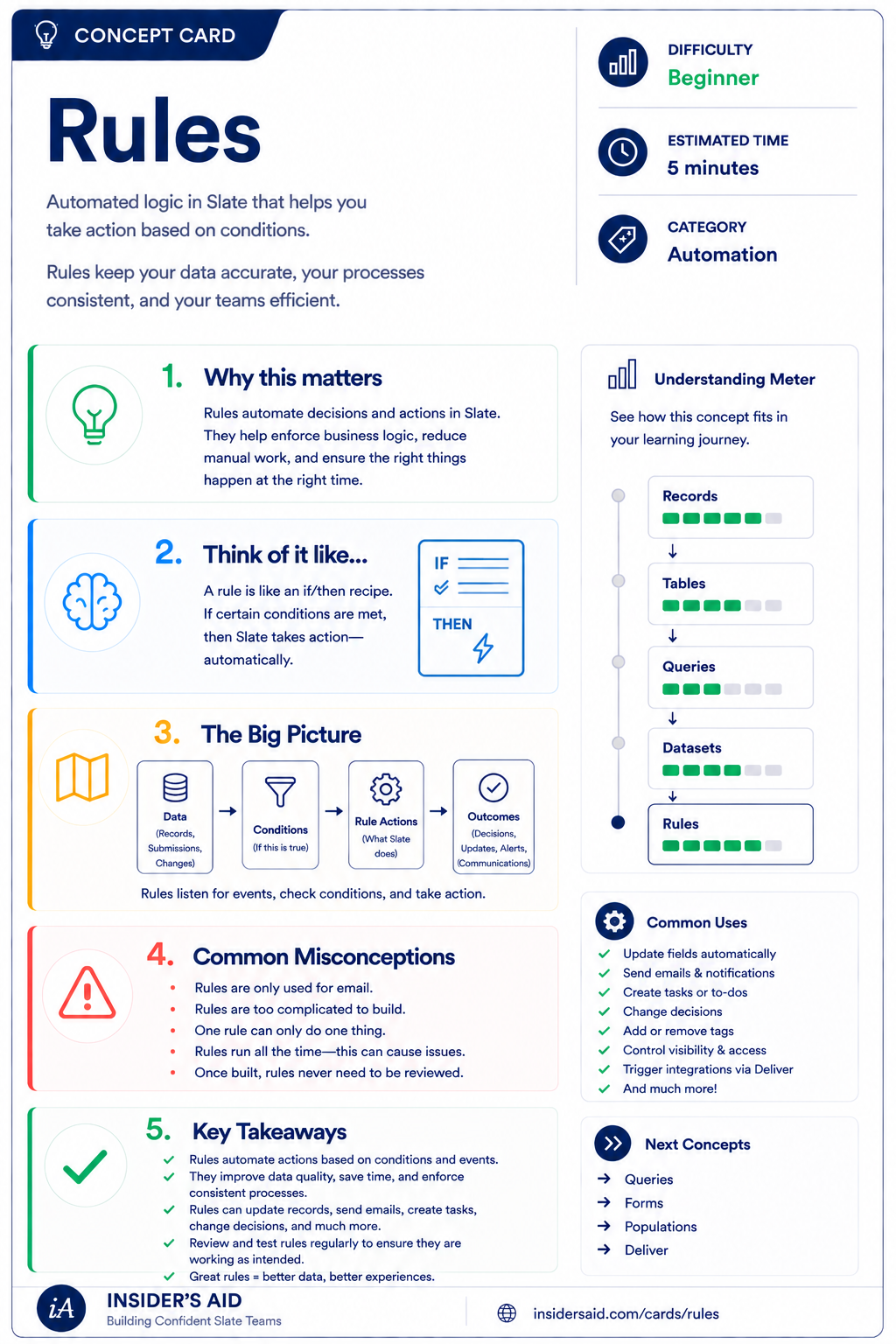
Rules
Automated if/then logic that takes action based on conditions you define.
Trigger / Evaluation → Criteria → Action
What causes Slate to evaluate the rule?
What must be true?
What should Slate do?
Trigger / Evaluation
Criteria
Action
For example — FORM SUBMITTED → Academic Interest = Nursing → Assign a checklist item.
Rules connect data to action. They do not make decisions randomly, and they do not simply run continuously in the background without context. Something must cause the rule to be evaluated.
A rule needs a reason to be evaluated. The exact triggering behavior depends on the rule and how your institution has configured its processes.
Remember these
Logic that allows Slate to evaluate conditions and perform an action.
What causes Slate to check whether the rule applies.
The conditions that must be true for the rule to apply.
What Slate does when the rule's conditions are met.
Using configured logic to reduce repetitive manual work or consistently support a process.
Rules Don't Just “Run All the Time”
“A rule is always watching the database and immediately acting whenever something changes.”
- Rules are not constantly scanning everything you do.
“A rule is evaluated when the appropriate process, trigger, or action causes Slate to check it.”
- Something gives Slate a reason to look at the rule.
The exact triggering behavior depends on the rule and how the institution has configured its processes. For beginners, the important concept is: a rule needs a reason to be evaluated.
Check your understanding
One question at a time. Wrong answers are just practice.
Which statement best describes a rule?
Explore an Existing Rule
Identify the trigger or evaluation context, criteria, and action in a real rule.
Open your institution's Slate database in another tab. Locate a rule you are permitted to view. Do not worry about understanding every configuration option. Instead, focus on identifying three things.
- What causes or allows the rule to be evaluated?
- What criteria or conditions does the rule check?
- What action does the rule perform if the criteria are met?
- Can you explain the rule in plain language? “When __________ happens or is evaluated, if __________ is true, Slate __________.”
Example: “When the relevant process evaluates this rule, if Academic Interest = Nursing, Slate assigns a specific checklist item.” Depending on the rule and your institution's configuration, the trigger or evaluation context may not always be obvious at first glance. The goal is to begin thinking in terms of Trigger → Criteria → Action.
The process that causes the rule to be checked
Academic Interest = Nursing
Assign a specific checklist item
Slate is highly customizable. Your institution's tabs, fields, views, permissions, and processes may differ from examples used throughout Insider's Aid. Focus on understanding the concept rather than finding an identical screen.
Reflection
A rule says: “When evaluated, if State = Tennessee, assign the Tennessee recruitment tag.” What is “State = Tennessee”?
We Want Slate to Do Something Automatically
Students complete a form indicating their preferred campus. If a student selects Nashville, your institution wants Slate to assign a Nashville-specific checklist item.
Which Slate tool would you most likely investigate to support the automated action?
Build the Logic in Your Head
Your institution wants this process: when a student submits a confirmation form, if they indicate “Yes, I plan to enroll,” Slate should assign an enrollment checklist.
Which classification of this process is correct?
Which Tool Fits the Problem?
Which situation most naturally suggests a rule?
Pick the situation that most naturally suggests a rule.
Should This Be Automated?
Your team manually performs the same action every time a student submits a particular form and meets the same clearly defined condition.
What is the best first question to ask?
Put the Foundations Together
Your institution wants to: maintain an official list of academic programs and program codes; ask prospective students which program interests them; store that interest on the person's record; find all prospective students interested in Nursing; and automatically assign a Nursing-specific next step when the appropriate conditions are met.
Which set of matches is correct?
Think Like a Slate User
Something happens
A process, trigger, or action gives Slate a reason
Slate evaluates
Slate checks the rule
Do the criteria match?
Compare the record against the conditions
Yes → Take action
Slate performs the defined action
No
No action
Continue process
When you're considering automation, don't begin by asking: “How do I build a rule?”
Start with: What should cause this process to be evaluated? What conditions must be true? What should Slate do if they are true?
Automate a process only after you understand the process. If you can't clearly explain the trigger, criteria, and action in plain language, the rule probably isn't ready to build.
Put It Together
Your Slate mental model is now: Record → Field → Value → Form → Query → Dataset → Rule.
Who or what does the information belong to?
What type of information is stored?
What information is actually stored?
How might we collect information we don't have?
How do we find records based on information Slate already has?
How do we organize and maintain reusable structured collections of records and information?
How can Slate evaluate information and take action?
An integrated example: DATASET: Academic Programs → DATASET RECORD: Nursing → FORM: “What program are you interested in?” → PERSON RECORD → FIELD: Academic Interest → VALUE: Nursing → QUERY: “Find everyone whose Academic Interest = Nursing” → RULE: “When the appropriate process evaluates the record, if Academic Interest = Nursing, take the defined Nursing-related action.”
This is the beginning of seeing Slate as a connected system. Information belongs somewhere. People provide information. Slate stores it. Queries help you find it. Datasets help organize reusable information. Rules help processes act on it.
You Now Have a Slate Mental Model
The six Slate Foundations concepts, as one connected sequence.
What am I working with?
Where does information live?
How does information get collected?
How do I find the records I need?
How do I organize reusable structured information?
How can Slate act on information?
You don't need to know every button in Slate to start thinking like a Slate user. When you're faced with a new problem, begin with the structure: What record am I working with? What information matters? Where does it live? Do I need to collect it, find it, organize it, or act on it?
Understand the system first. Then learn the clicks.
Keep Learning
Rules
Automated if/then logic that takes action based on conditions you define.
Records
Review the foundation for who or what Slate is working with.
Fields
Review the information rules can evaluate.
Forms
Review one way information can enter Slate.
Queries
Review how to identify records that meet criteria.
Datasets
Review how structured reusable information can be organized.
Finished the lesson?
Mark it complete to track your progress. Progress is saved in this browser.