
Concept Cards
One concept. One page. Practical understanding. Each card is a downloadable PDF you can keep on your desk or share with your team.
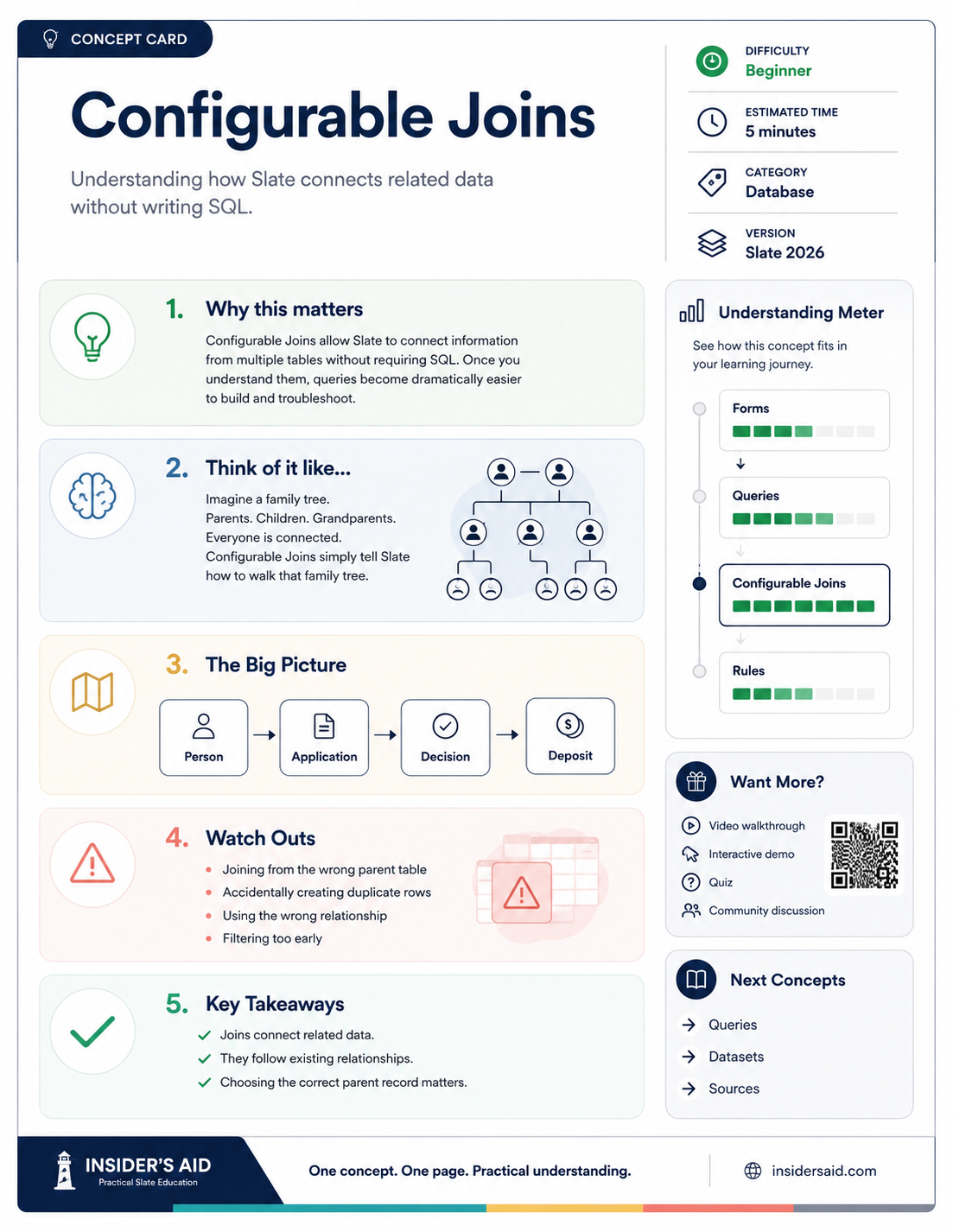
Understanding how Slate connects related data without writing SQL.
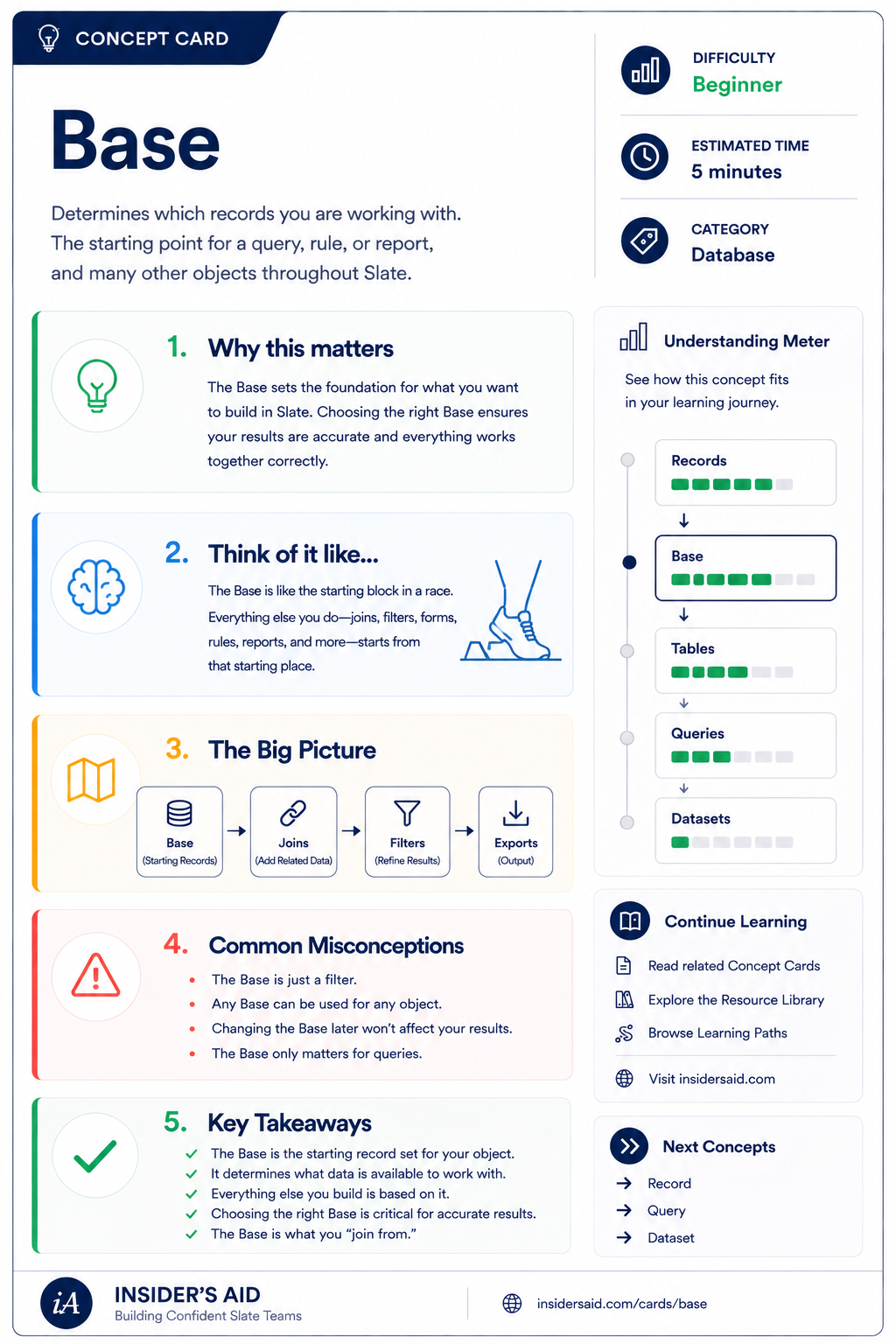
Determines which records you are working with — the starting point for queries, rules, and reports.
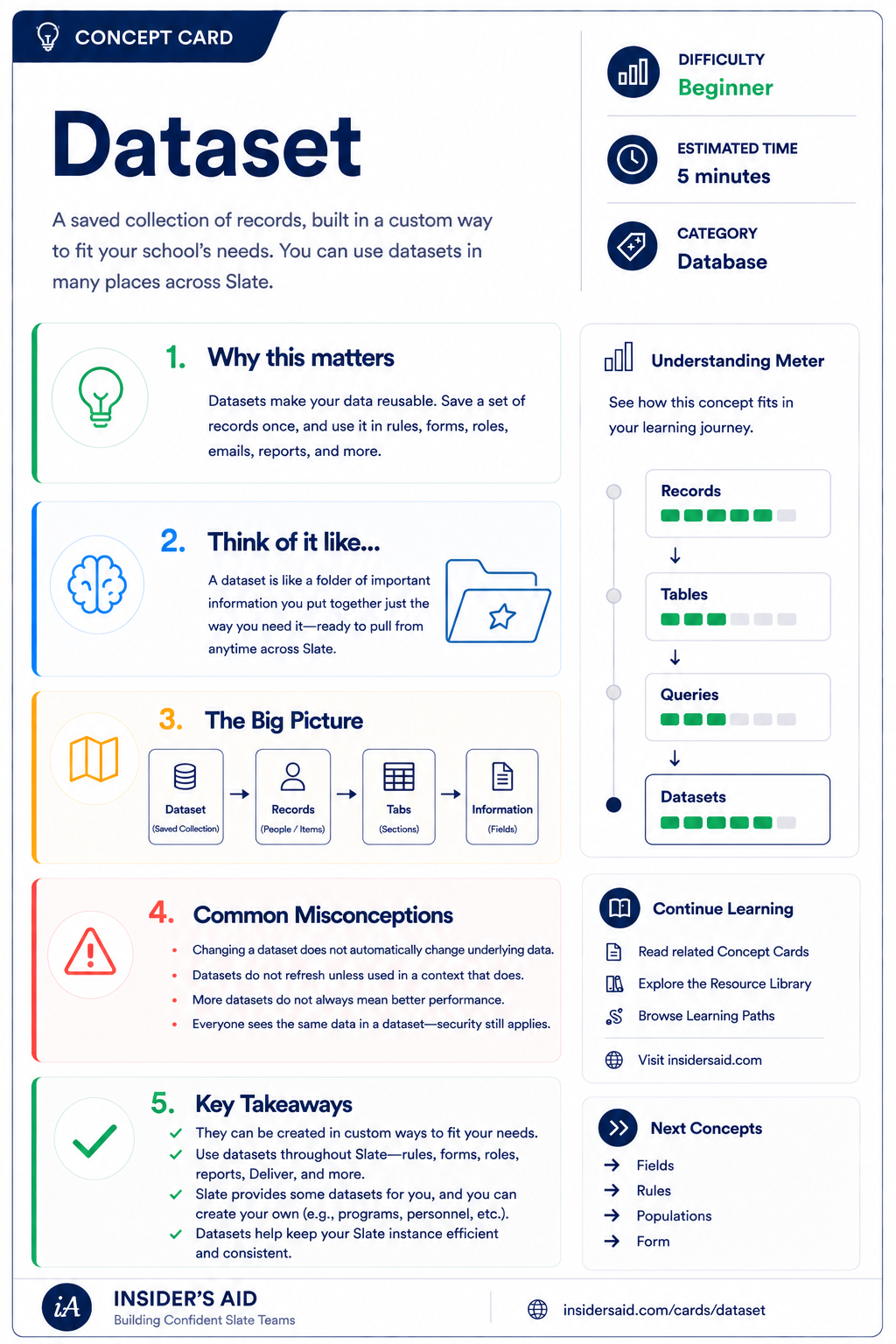
A saved collection of records, built in a custom way to fit your school's needs.
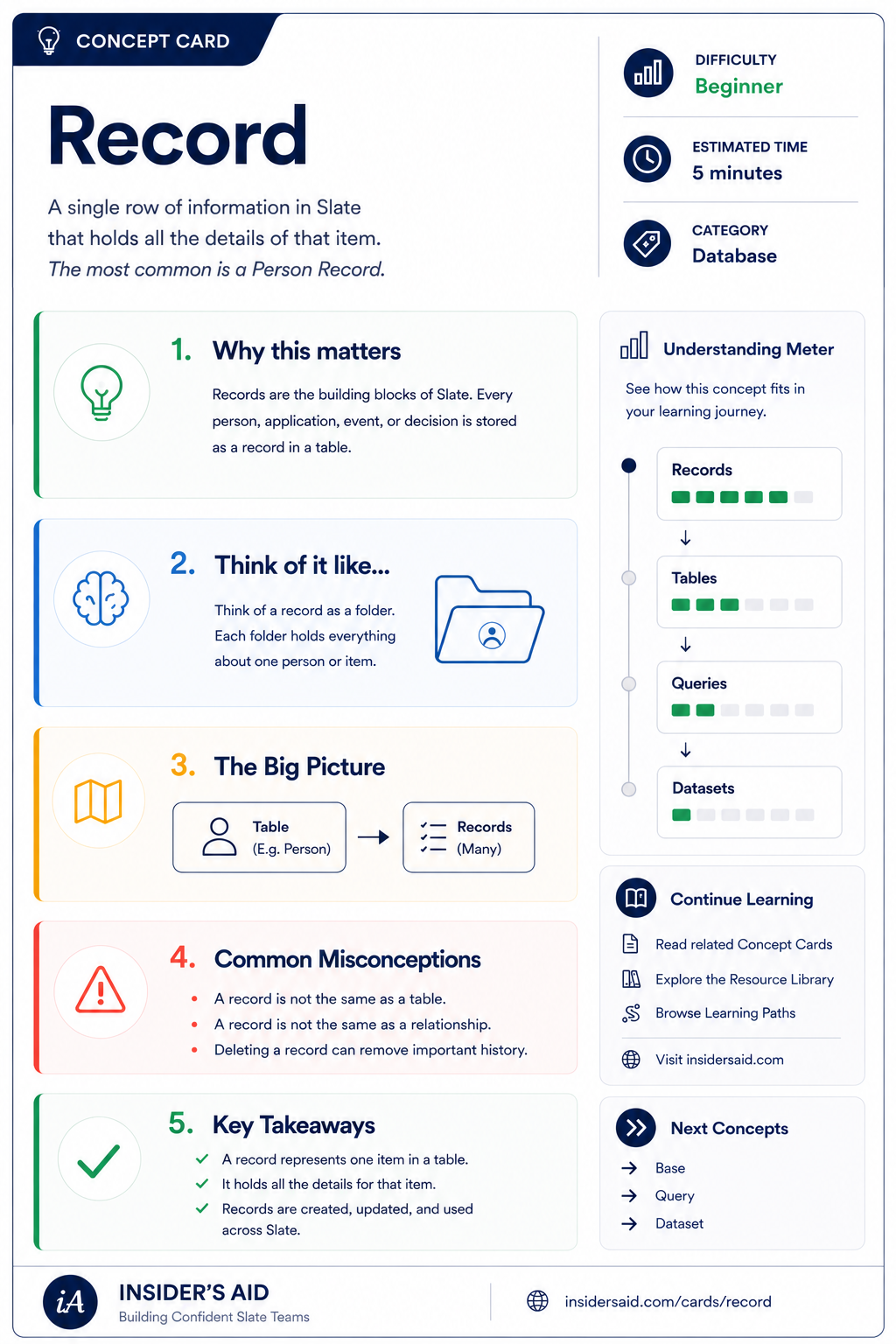
A single row of information in Slate that holds all the details of that item — most often a person.
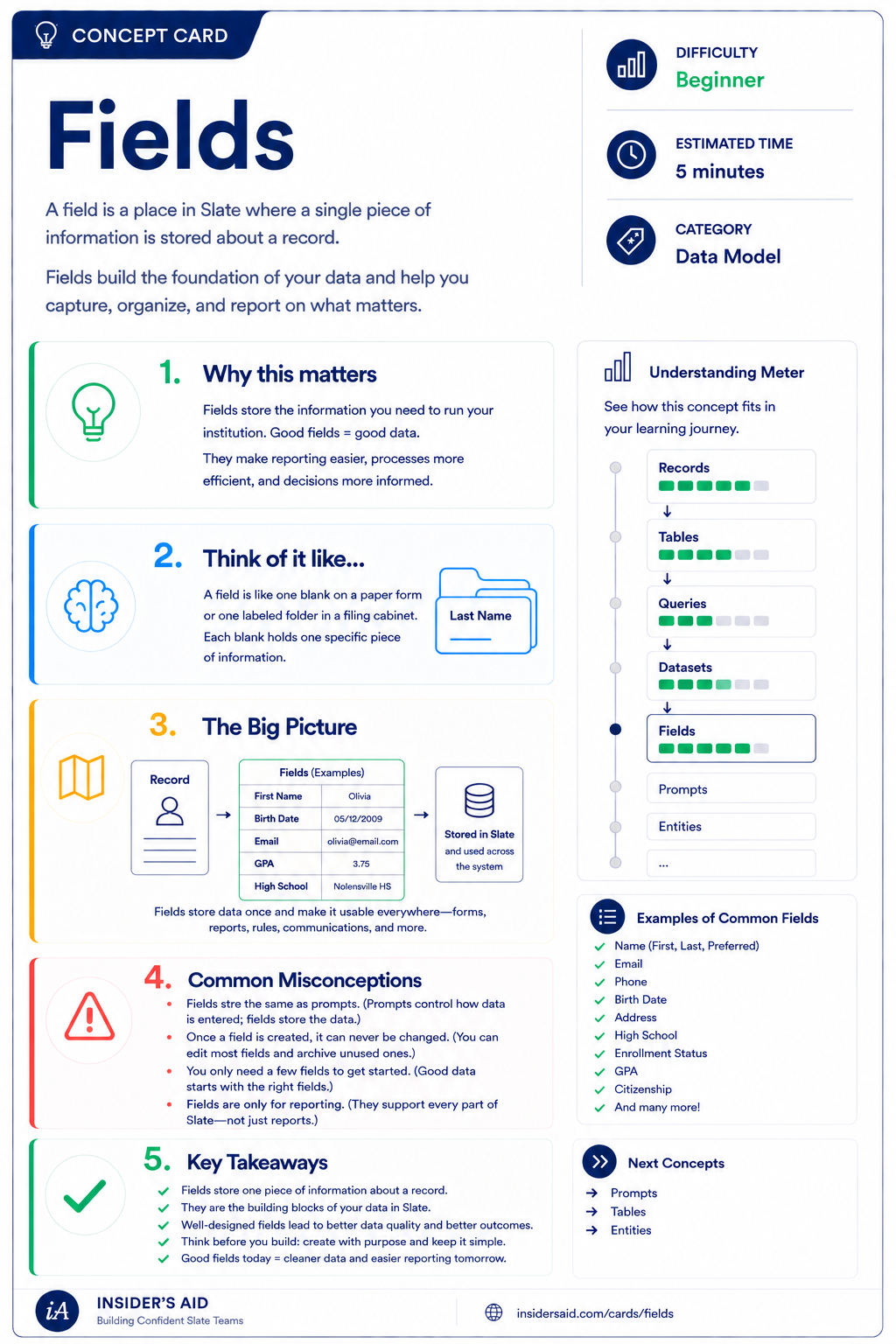
A field is where a single piece of information is stored about a record — the foundation of your data.
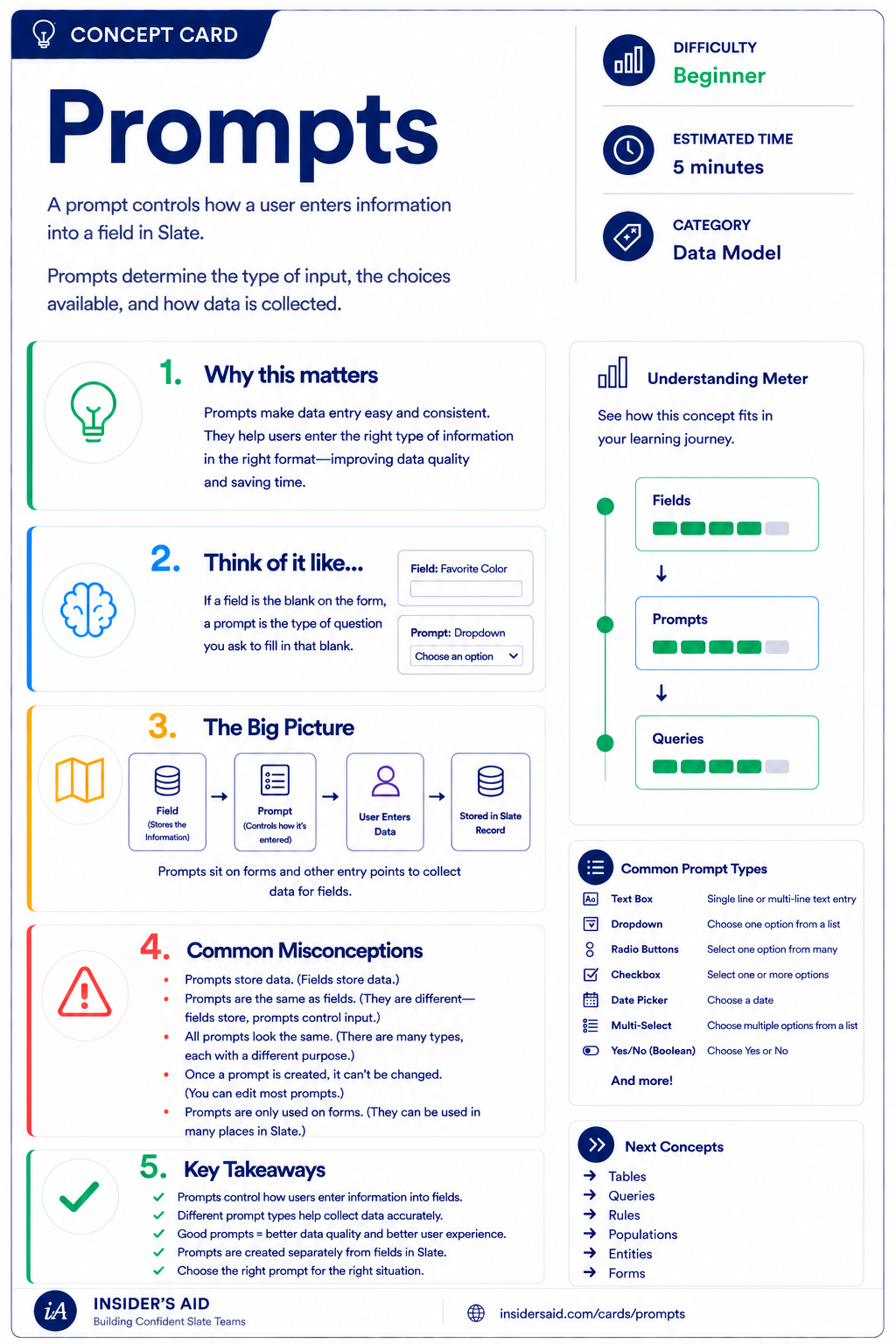
Prompts control how a user enters information into a field — the input type, the choices, the format.
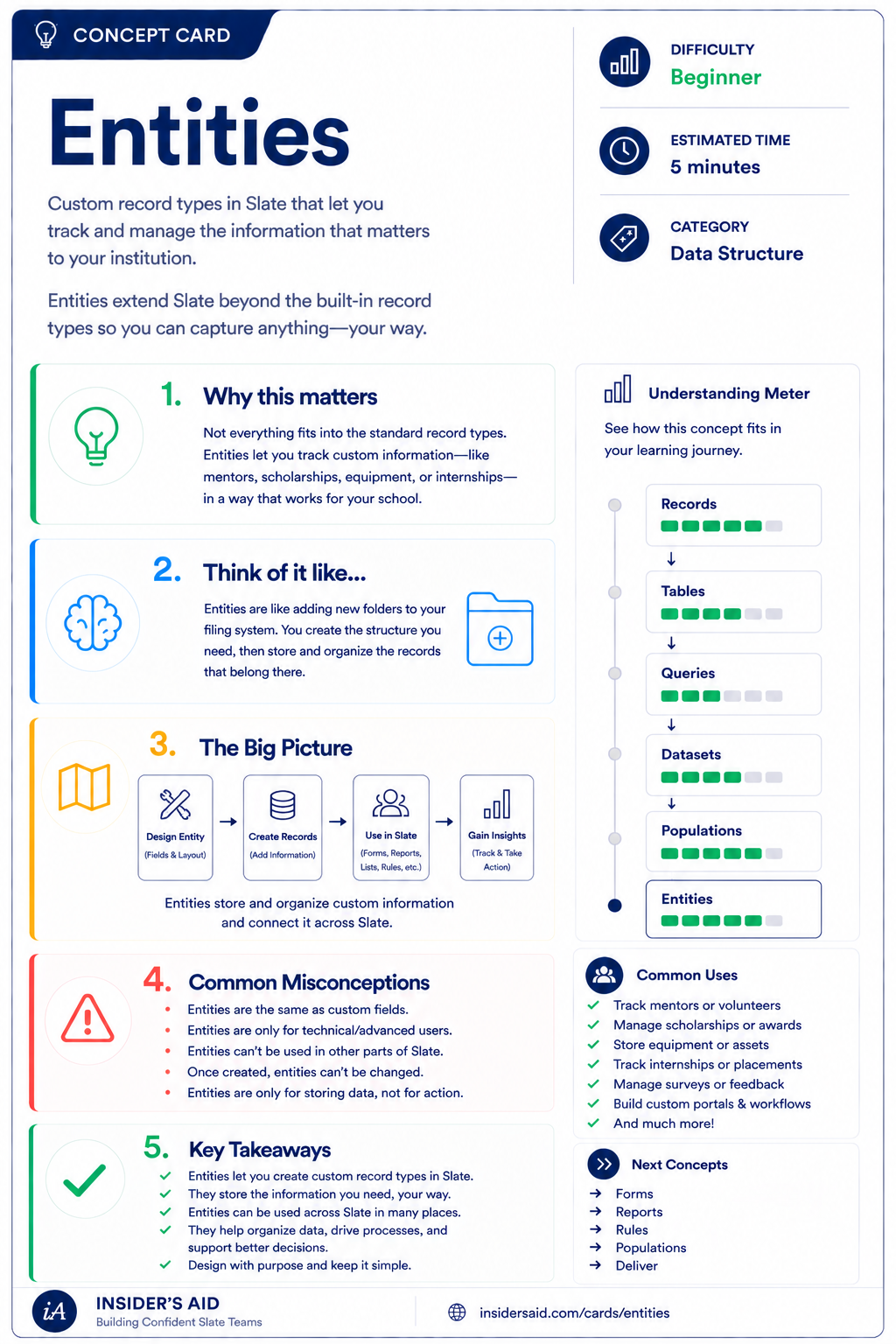
Custom record types that let you track mentors, scholarships, equipment, or anything else — your way.
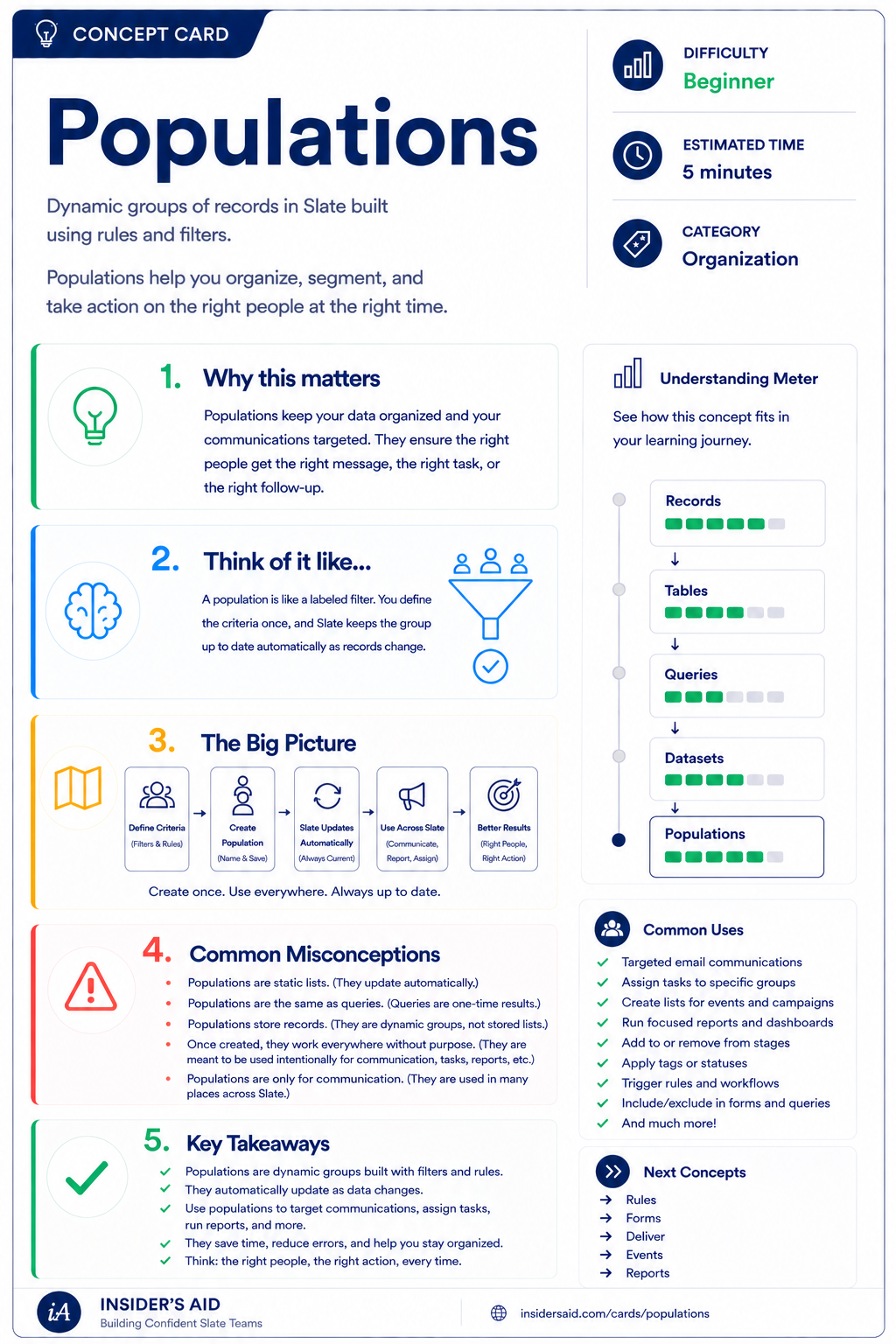
Dynamic groups of records built with rules and filters that stay up to date automatically.
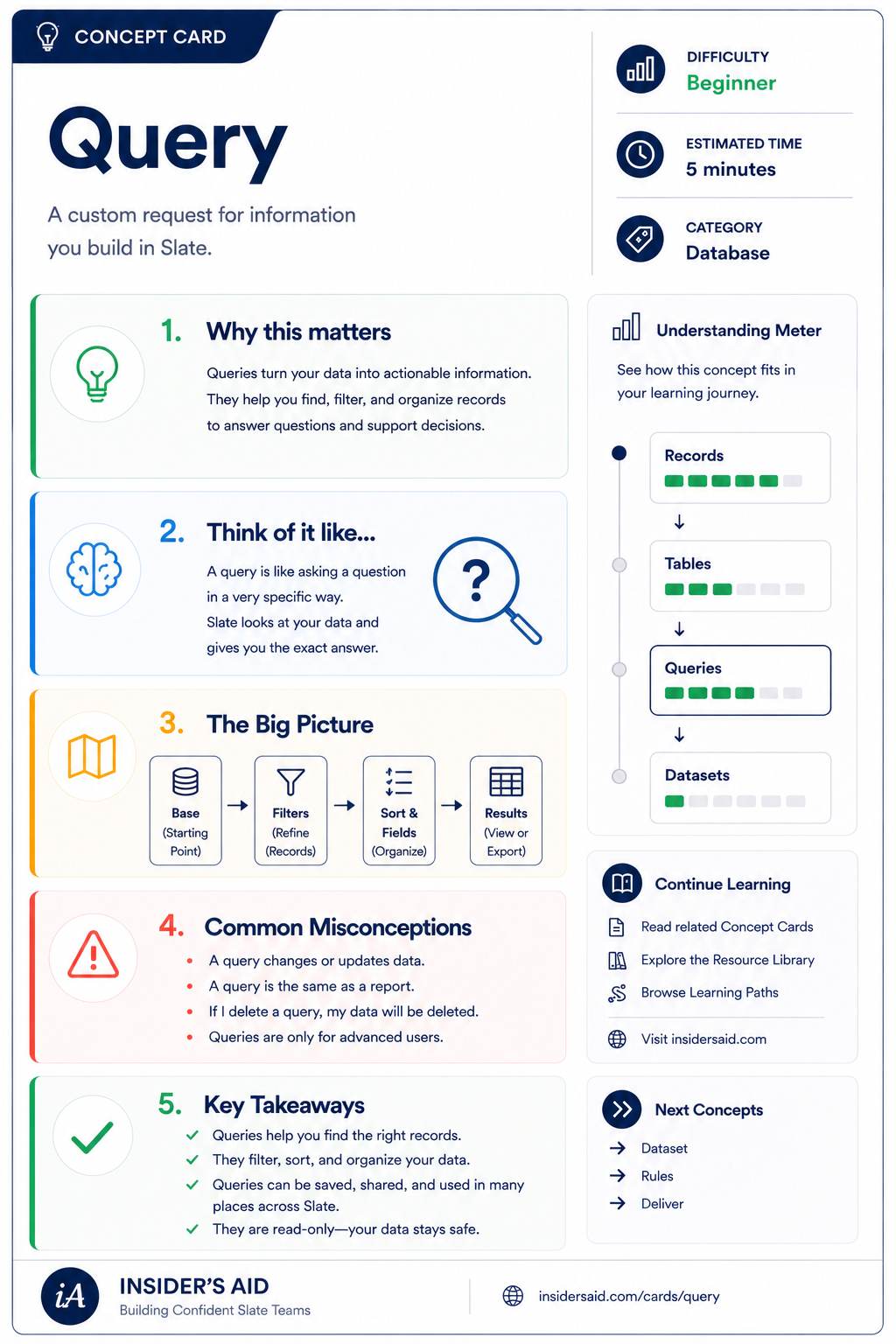
A custom request for information you build in Slate — base, filters, fields, results.
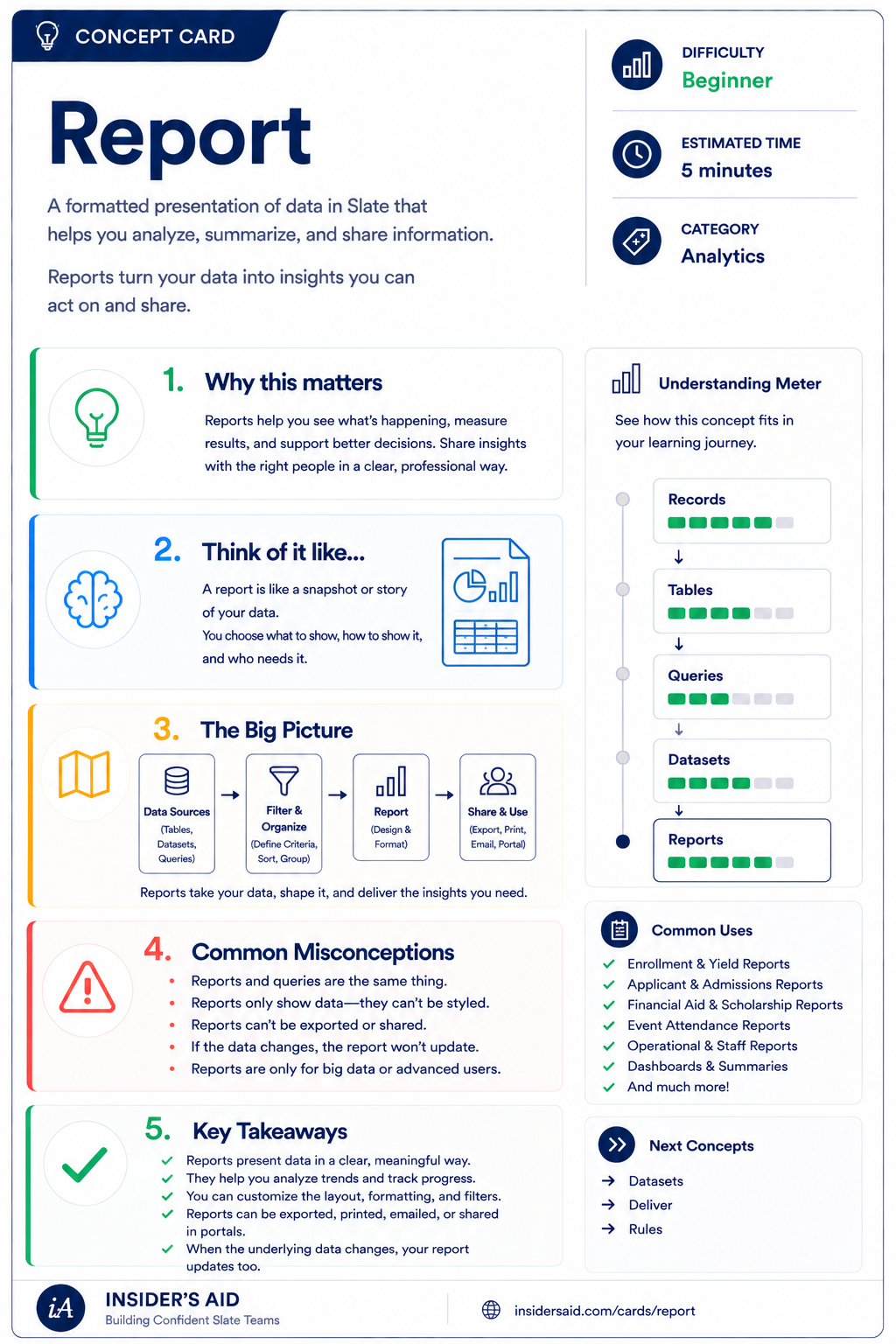
A formatted presentation of data that helps you analyze, summarize, and share information.
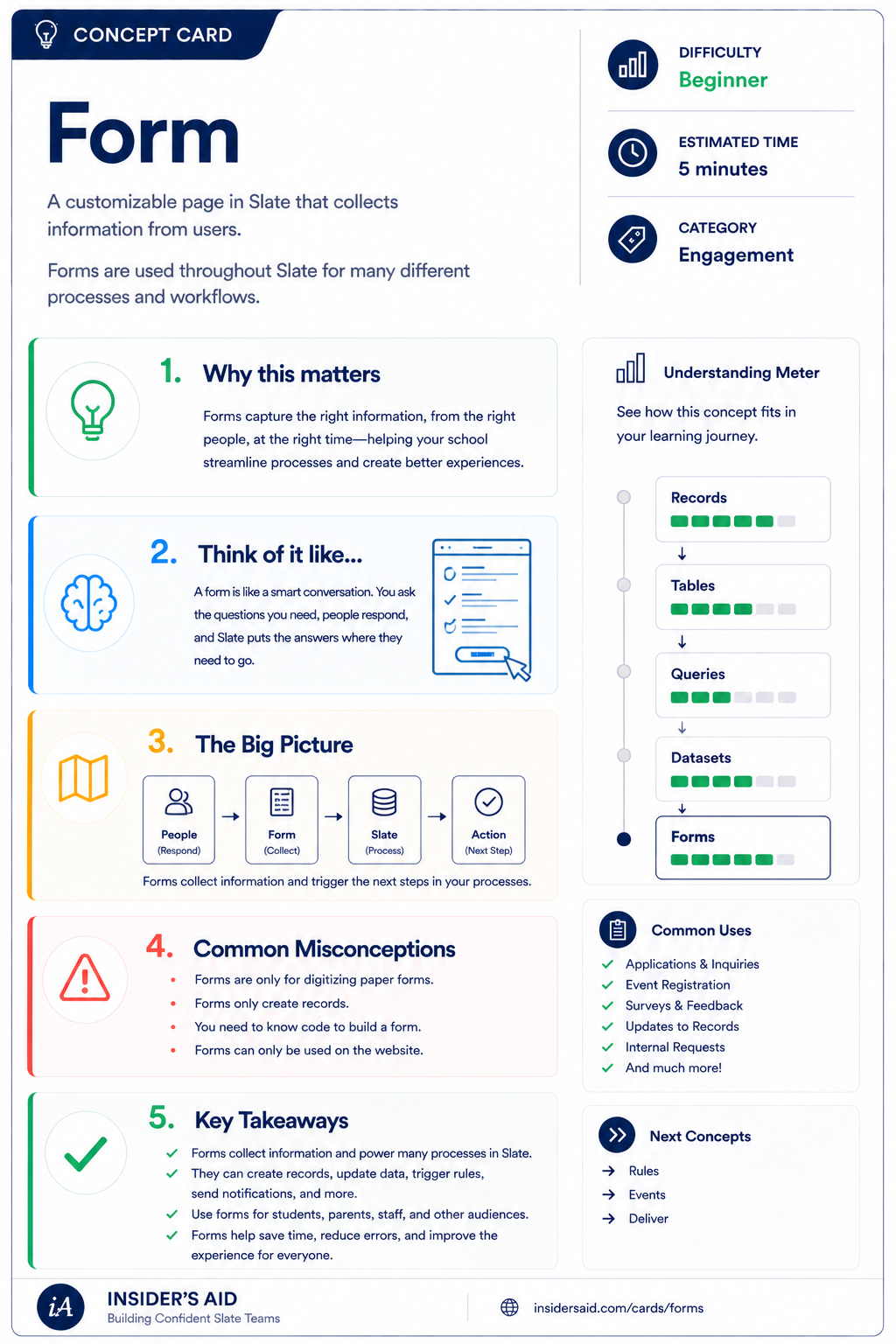
A customizable page in Slate that collects information from users and triggers the next step.
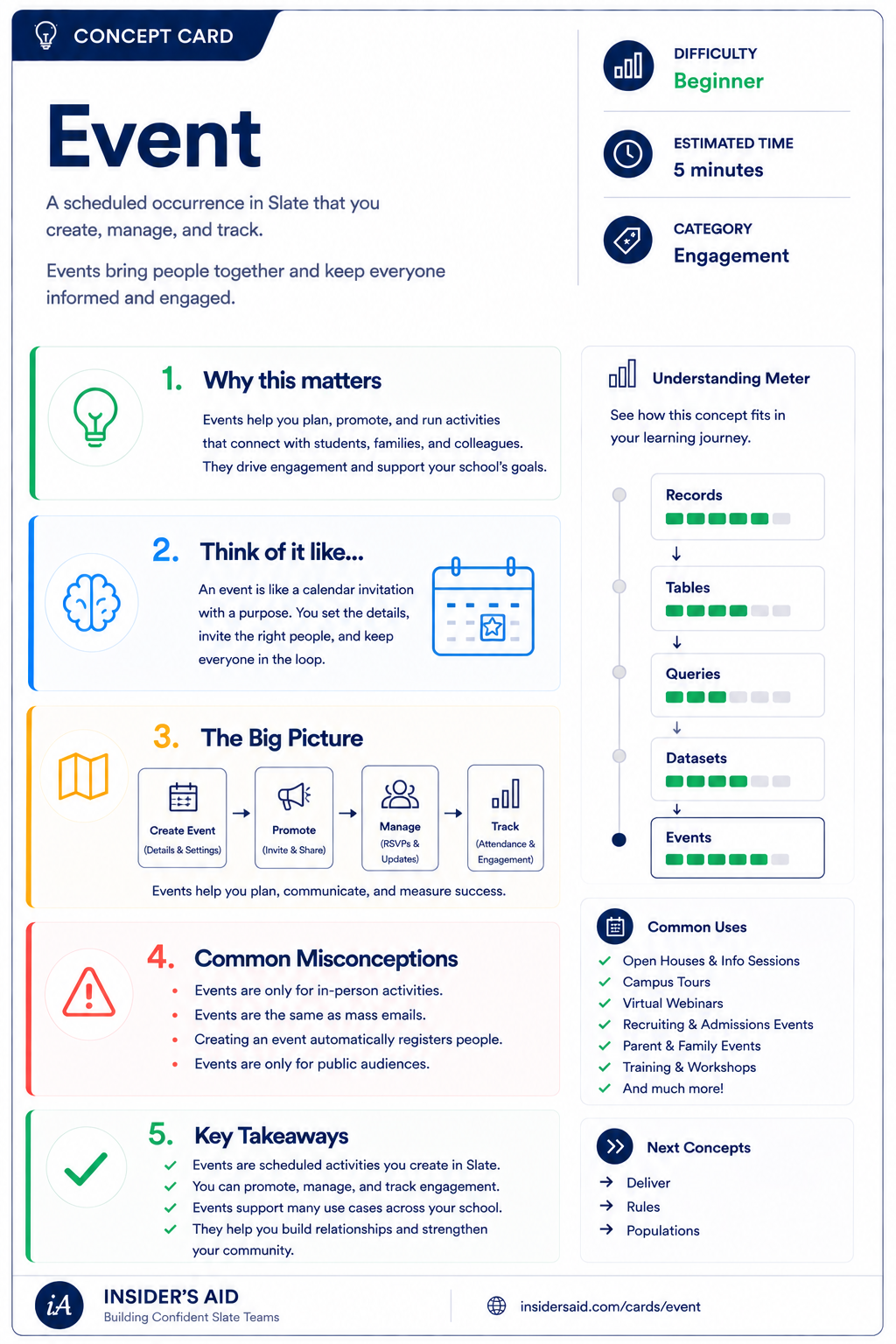
A scheduled occurrence you create, promote, manage, and track to keep people engaged.
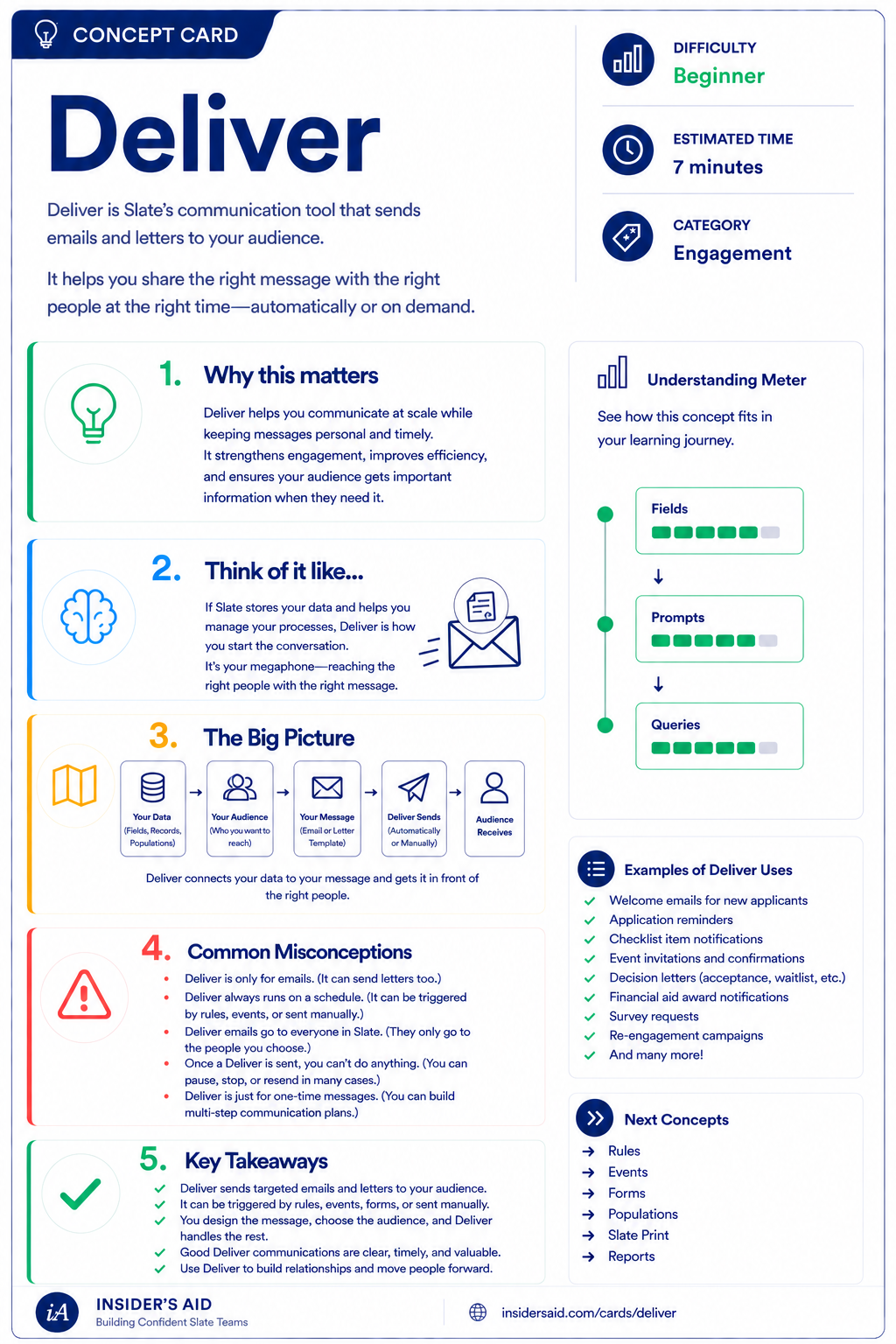
Slate's communication tool that sends the right message to the right people at the right time.
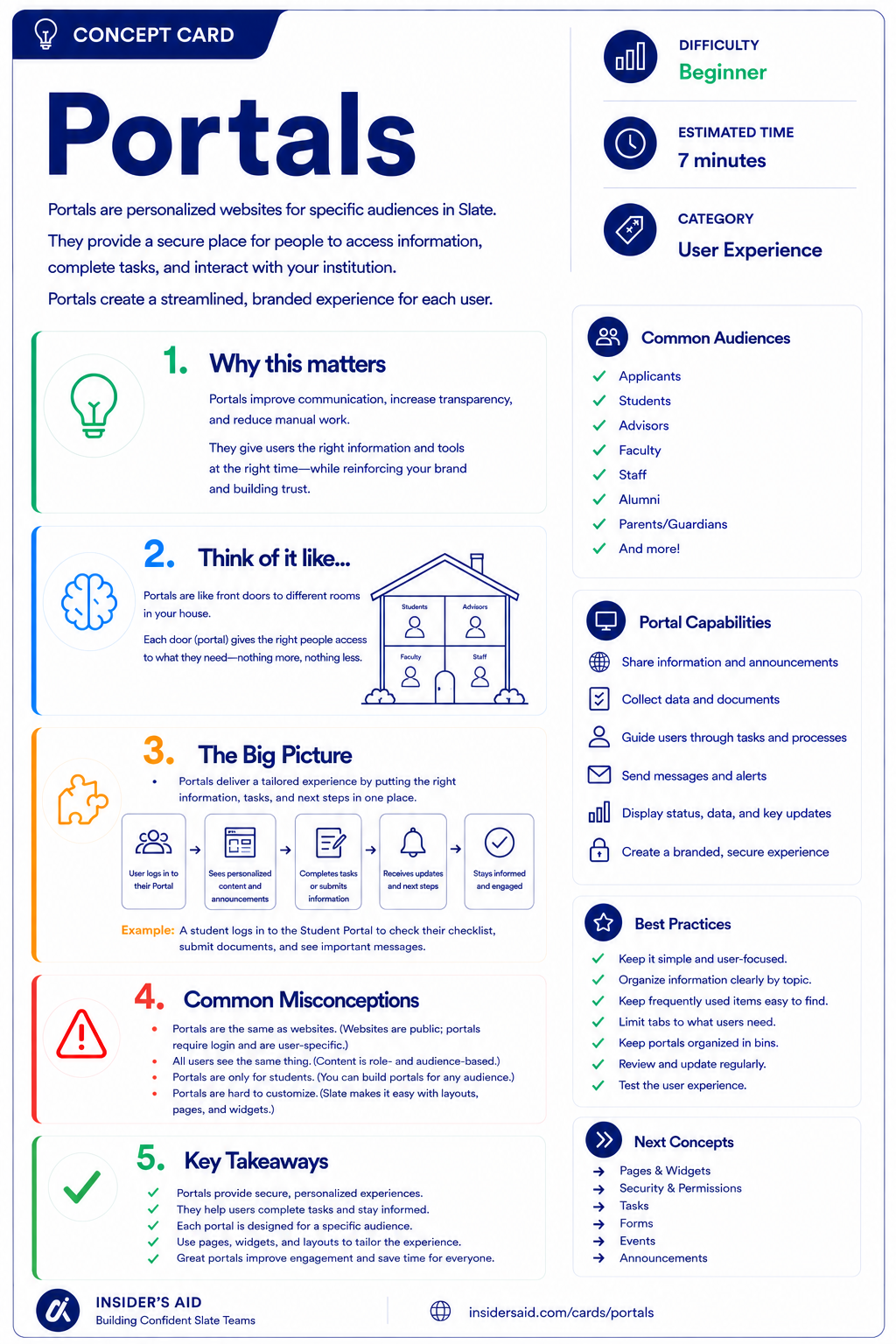
Personalized, secure websites that give each audience exactly what they need — nothing more.
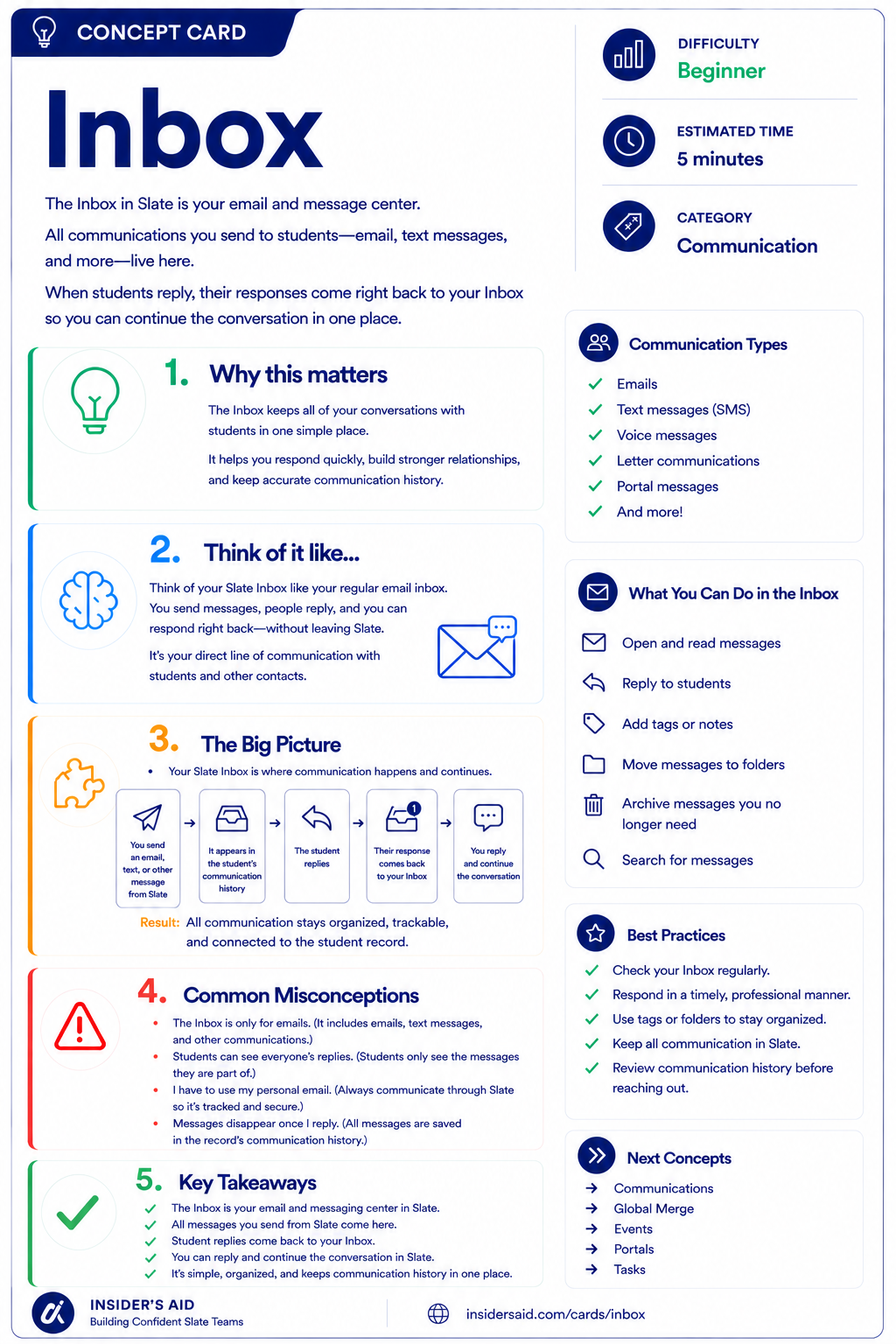
Your email and message center in Slate, where every conversation with students stays in one place.
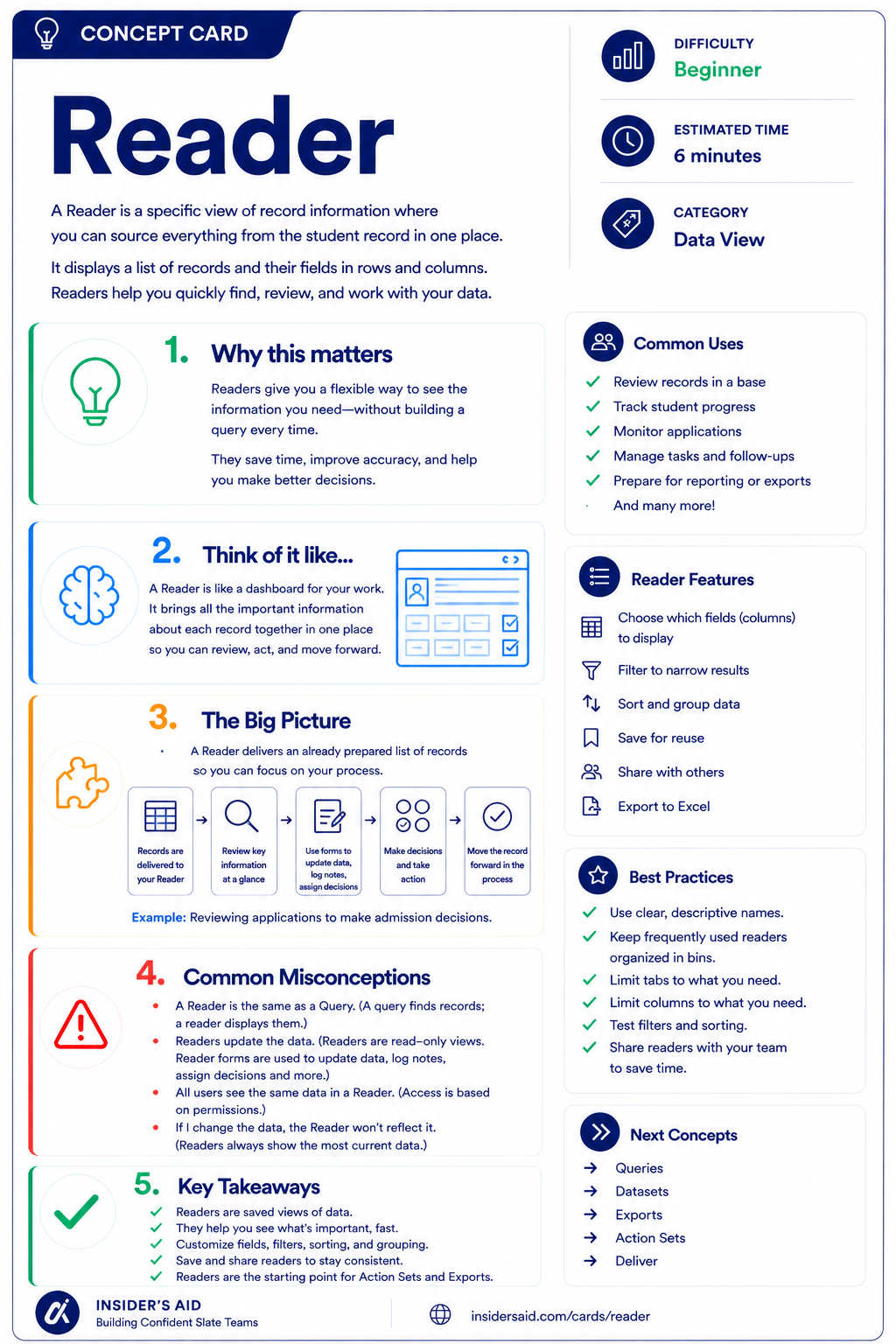
A saved view of record information — see, review, and act on what matters without building a query.
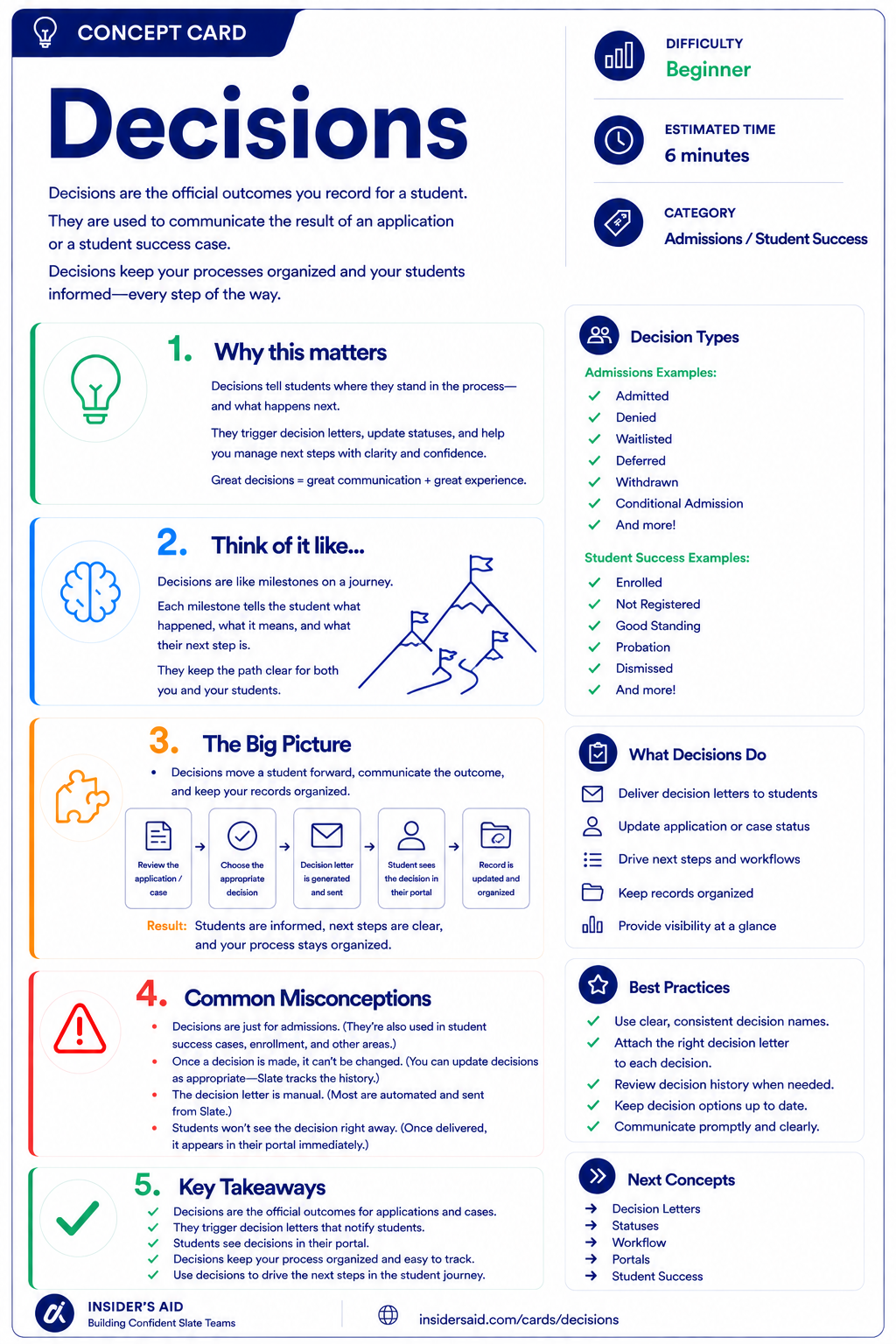
The official outcomes you record for a student — and how Slate communicates them.
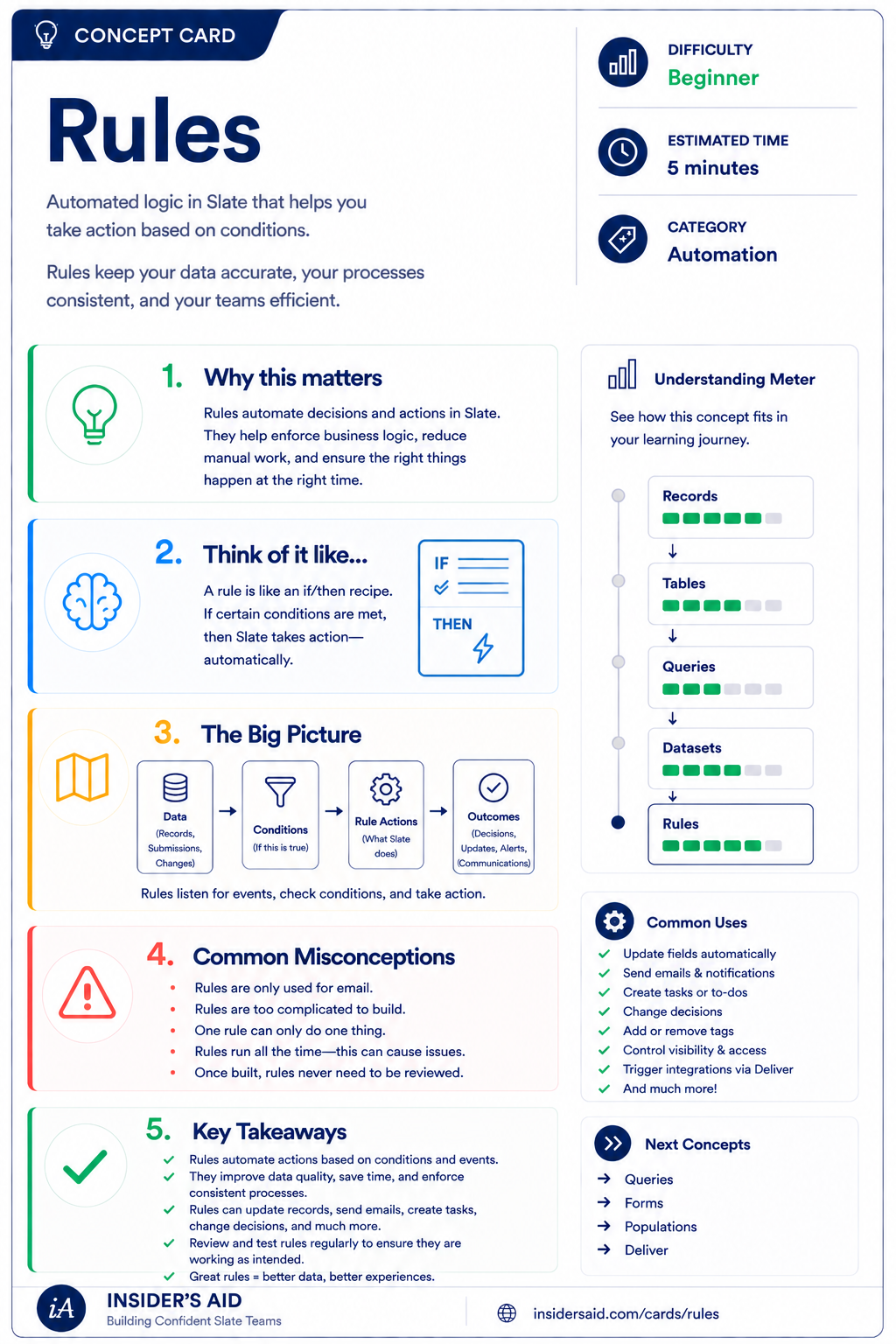
Automated if/then logic that takes action based on conditions you define.
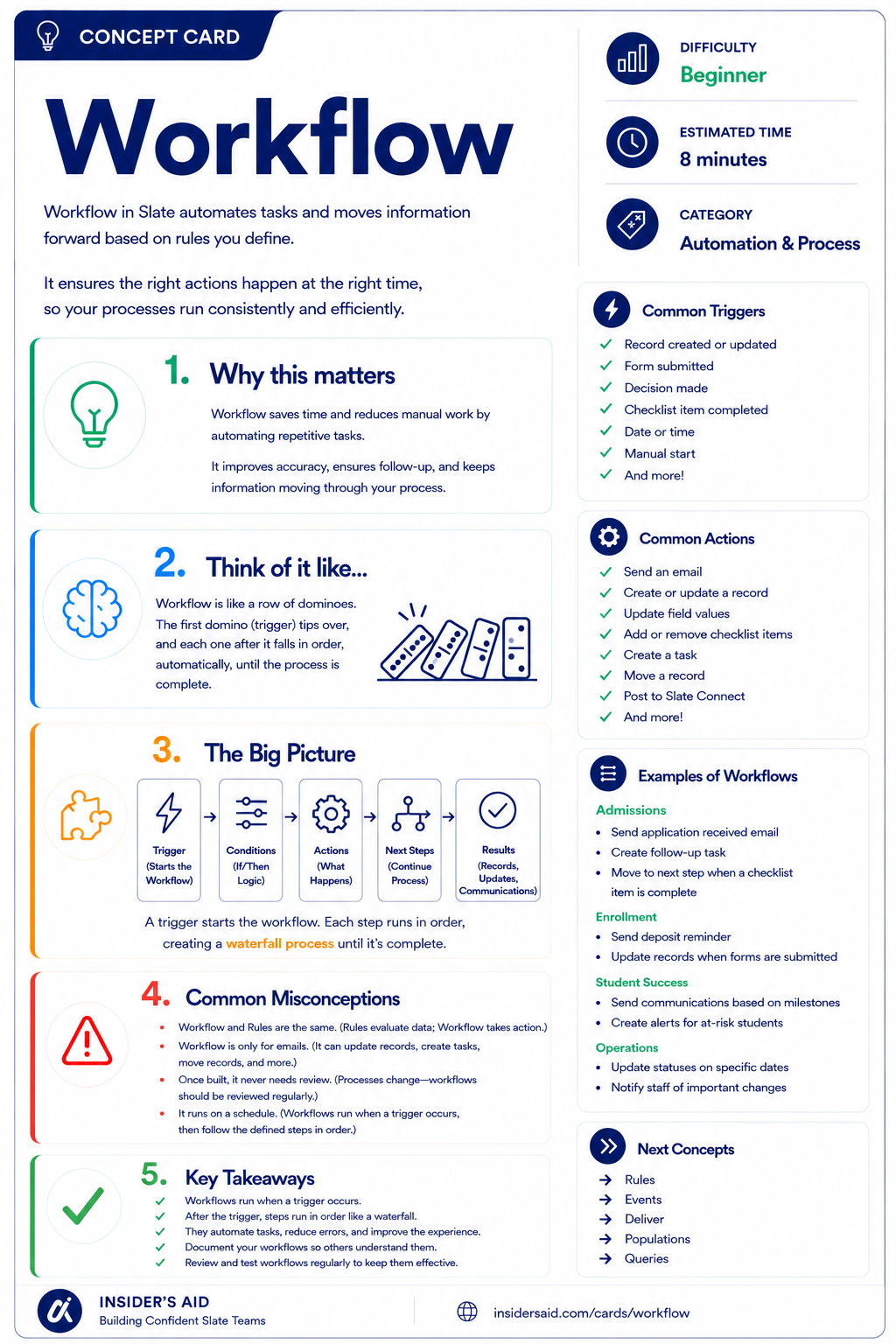
Automates tasks and moves information forward based on the rules you define.
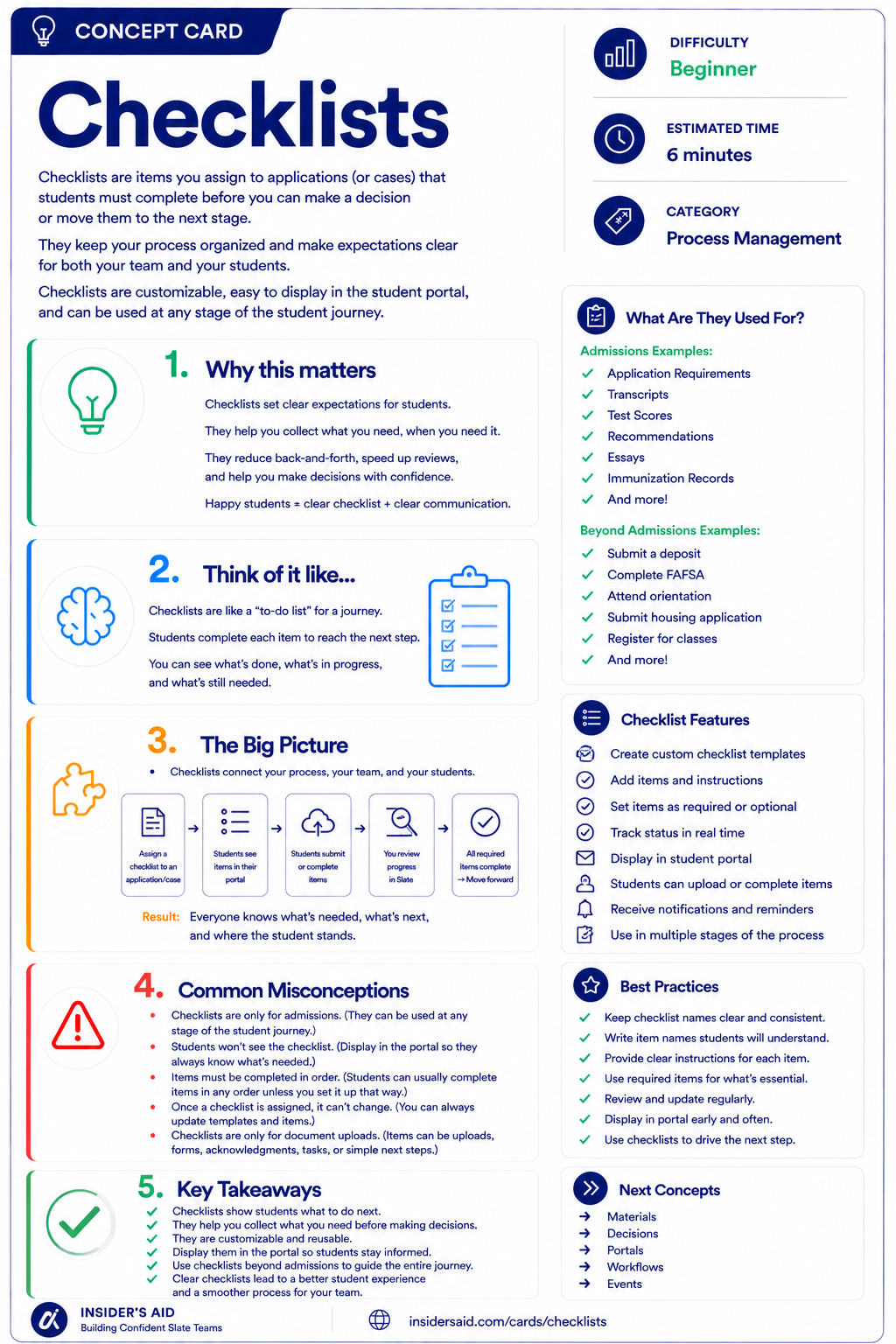
Items students must complete before you can make a decision or move them forward.
Want the full set?
New concept cards added every week. Pair them with a Learning Path to make them stick.